 Trovva
Nothing to sign into
No account, no password, no email address. Open the app and your records are there — including in a basement with no reception. Sharing, if you ever want it, uses the iCloud account your phone already has.
Trovva is a practical memory for your home — paint codes, part numbers, measurements, service history and what is inside which box. It lives on your phone unless you share a household, and there is no account and no server either way.
Half a tin is still on the basement shelf, but the shop needs the code. The entry holds Alcro Bestå, Linneväv, S 0502-Y and a matte finish — and the code sits above the plate with a button that copies it.
None of these is worth a spreadsheet. All of them are worth ten minutes of a Saturday when you cannot find them.
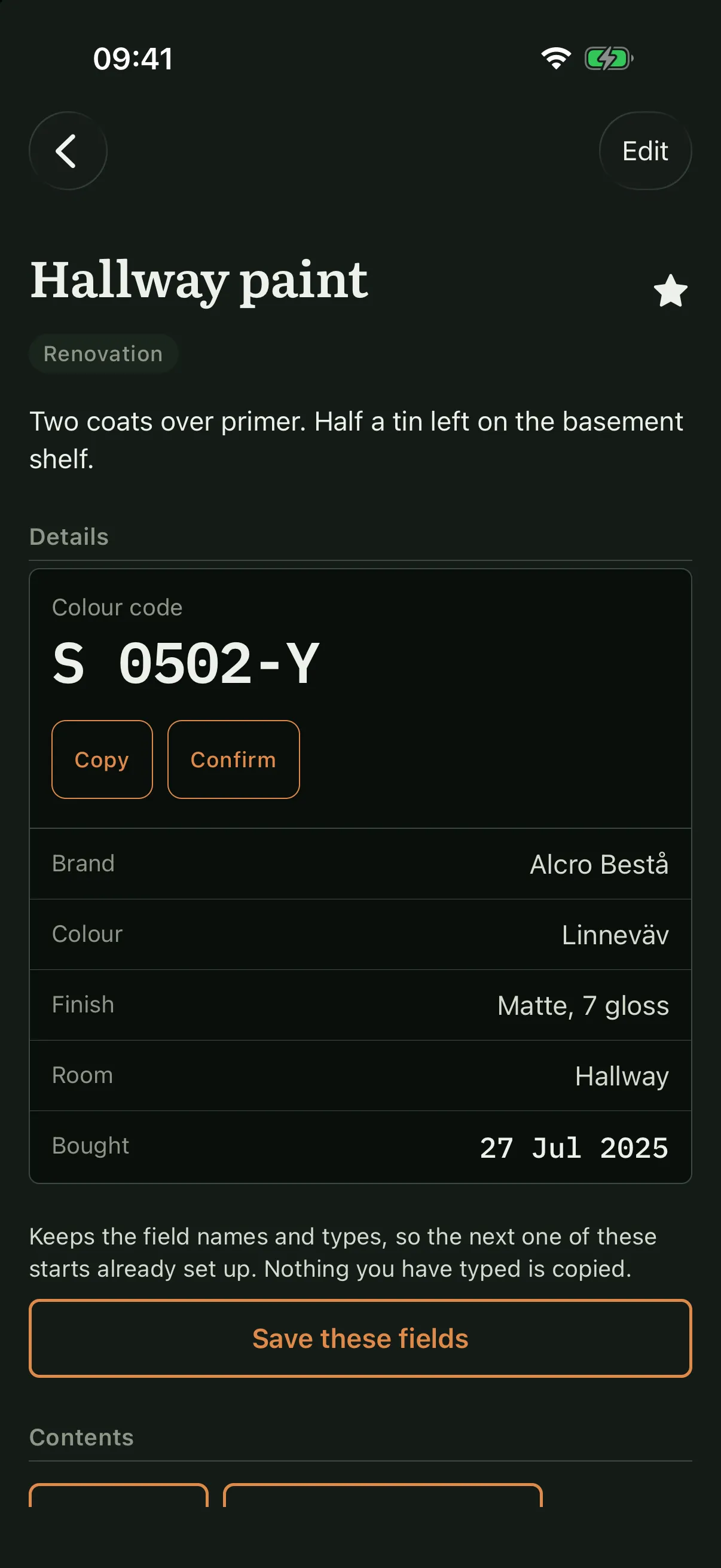
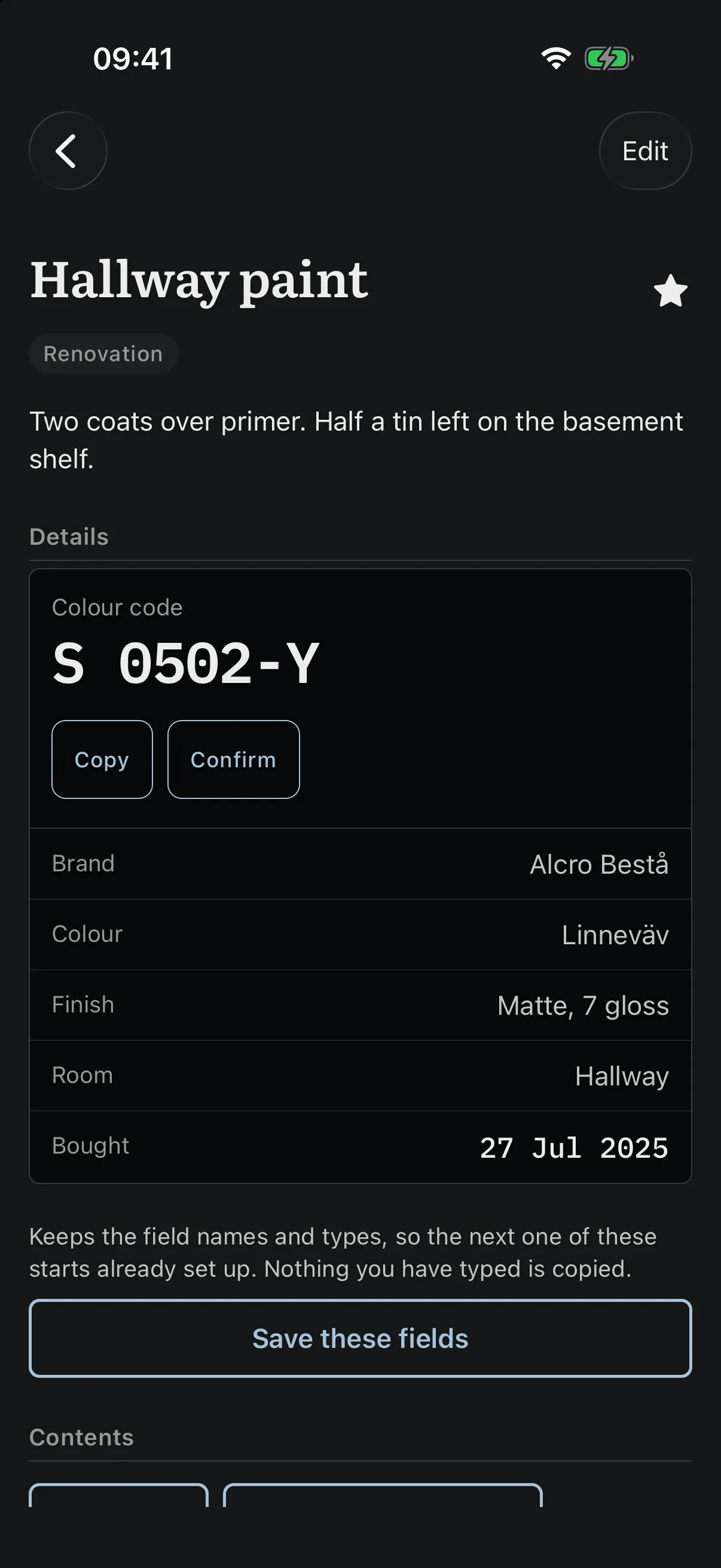
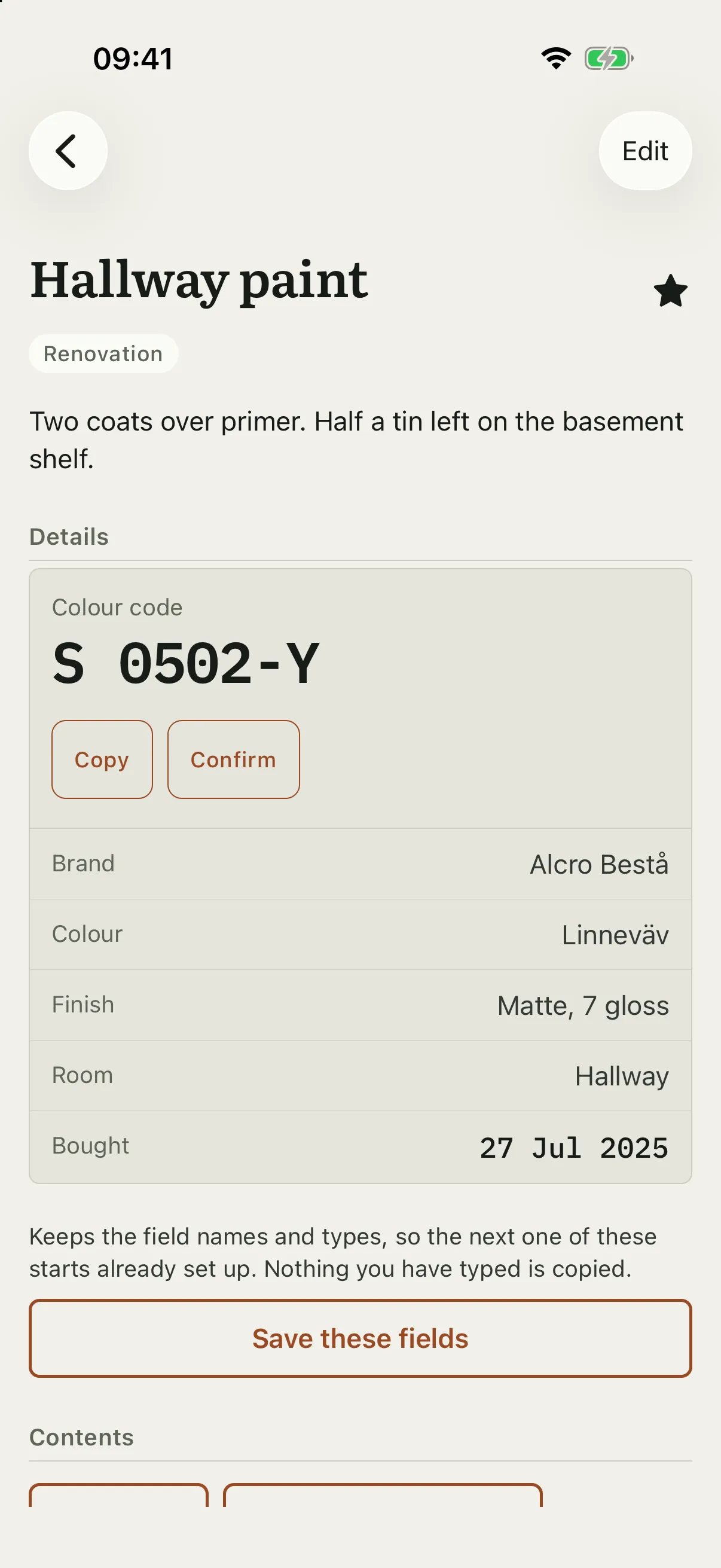
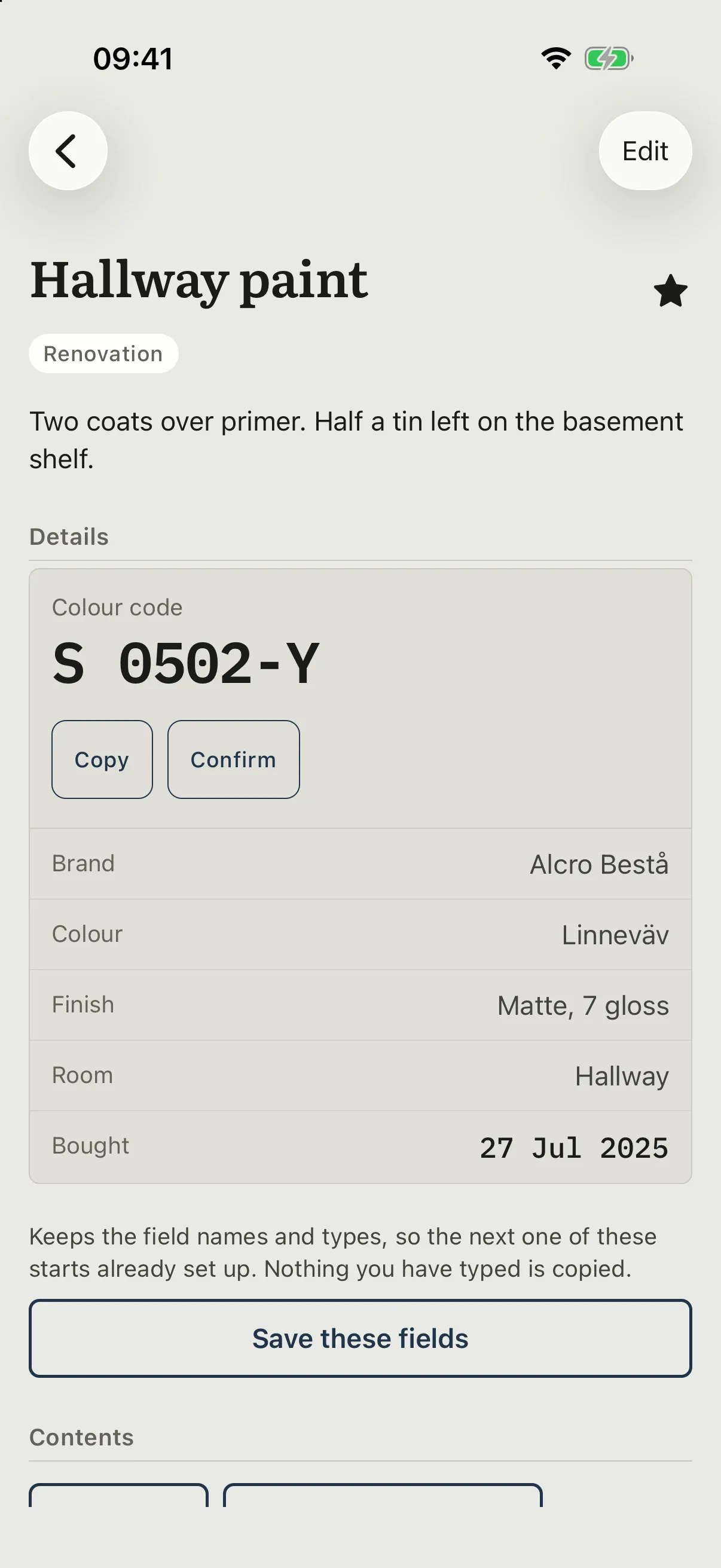
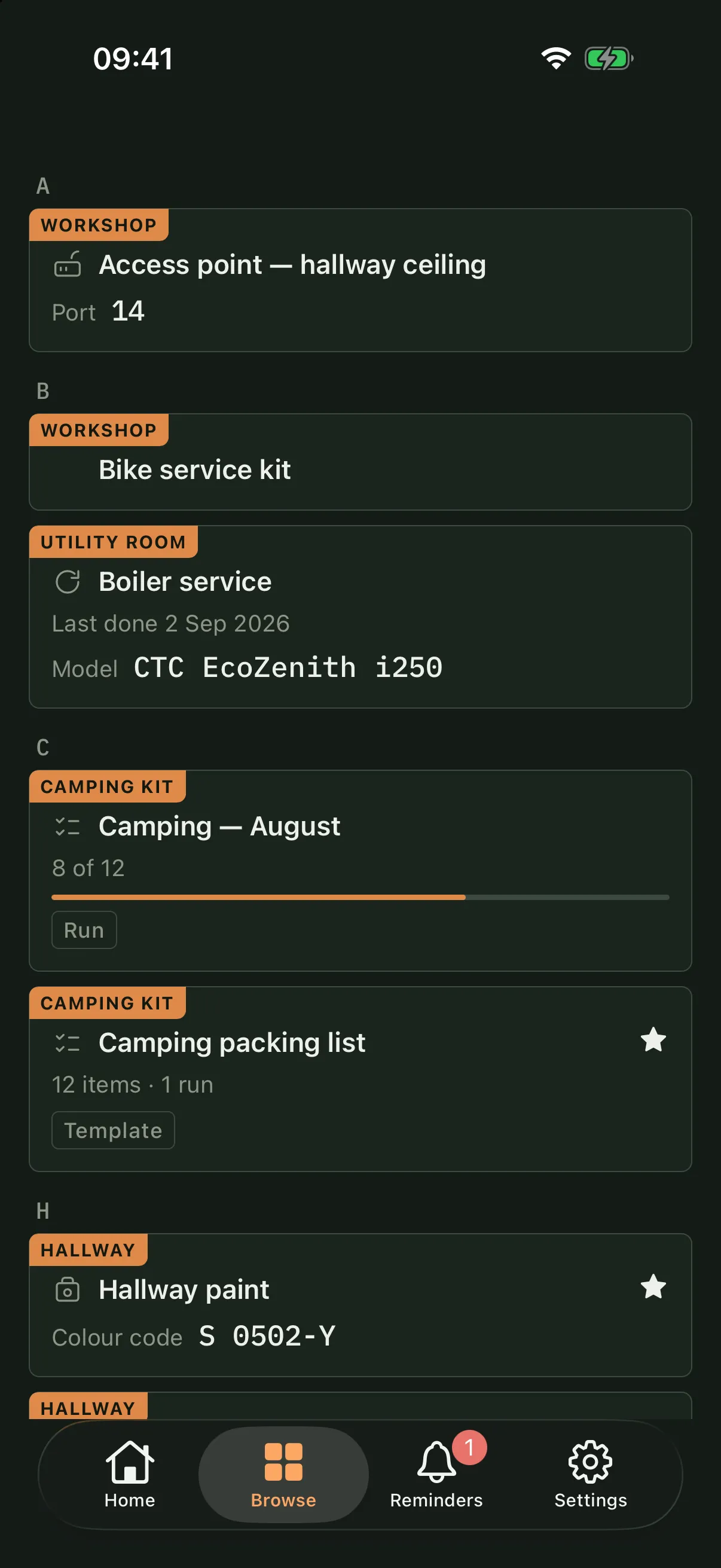
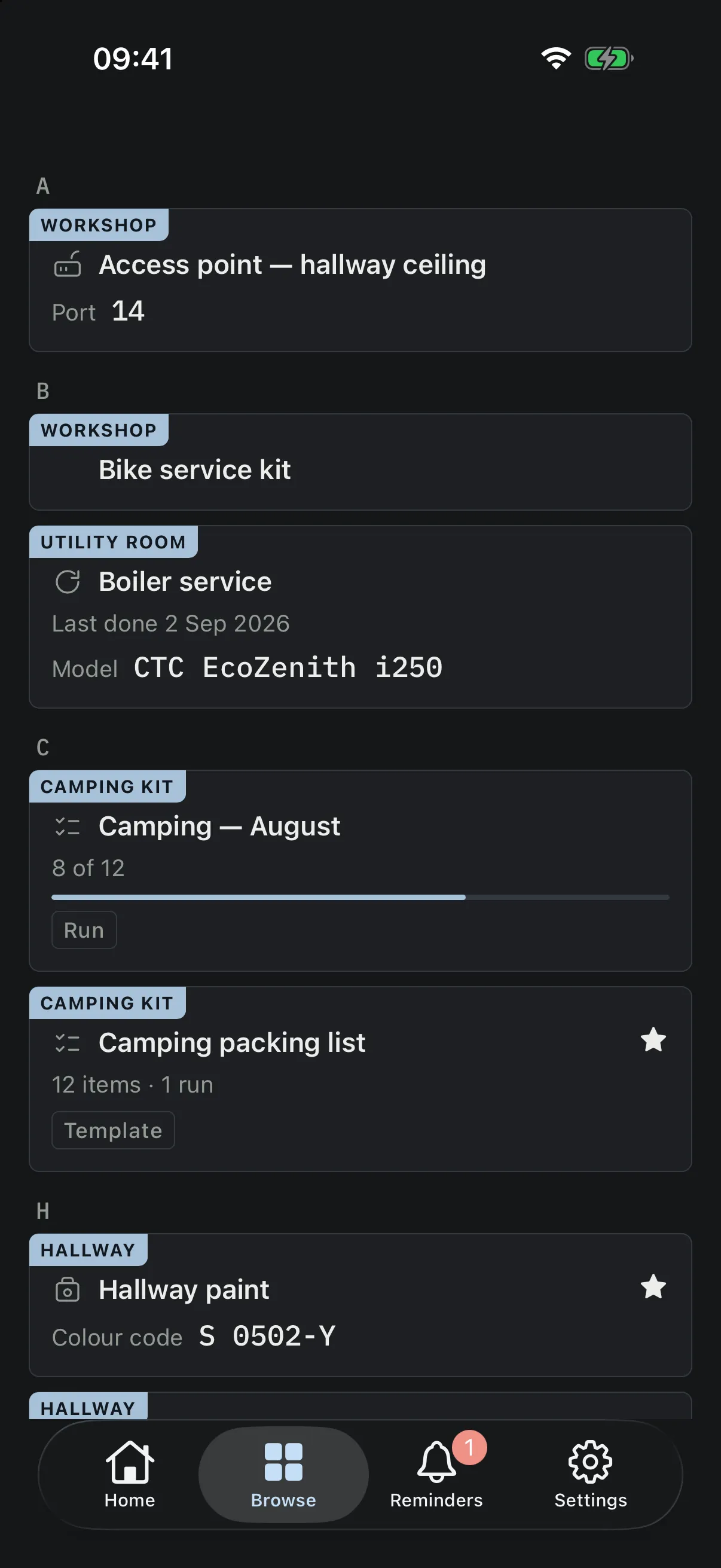
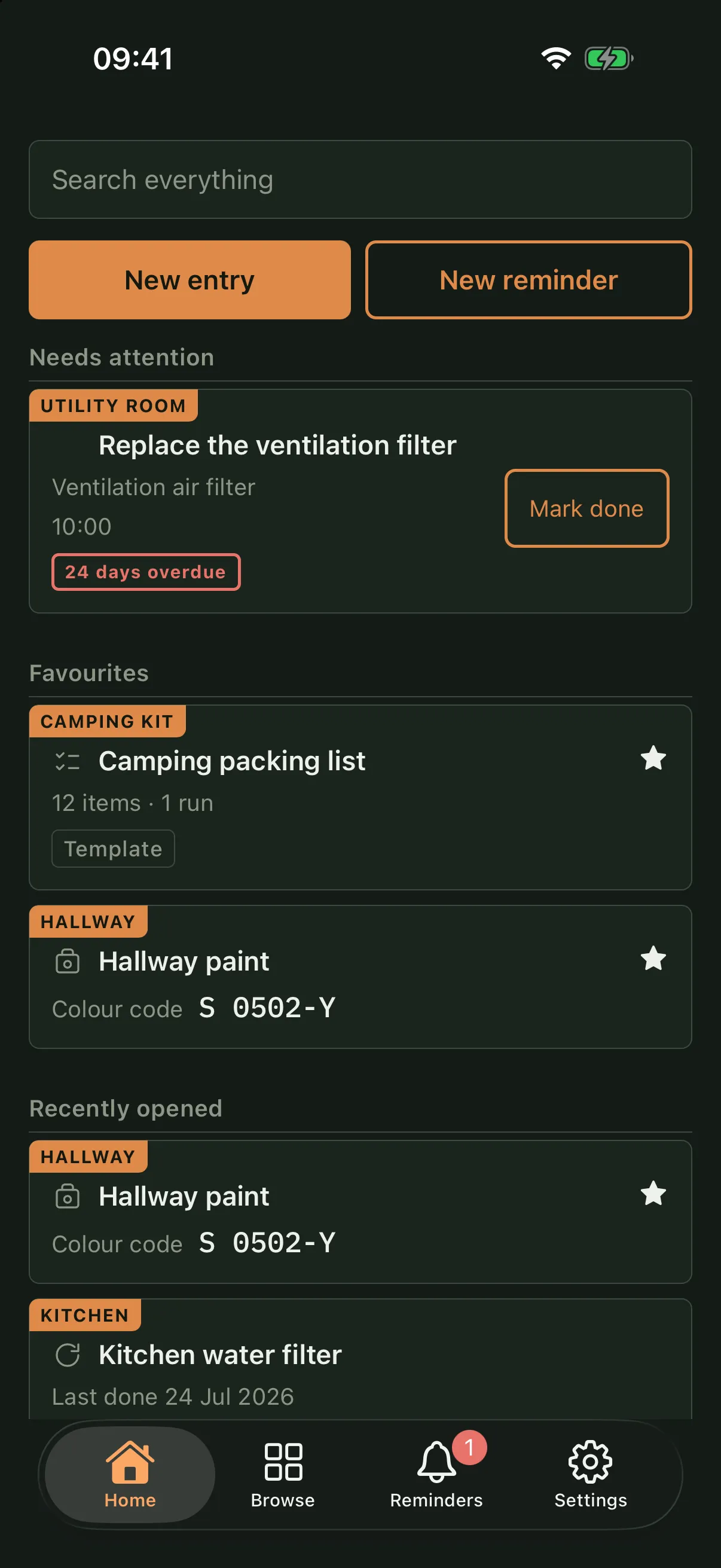
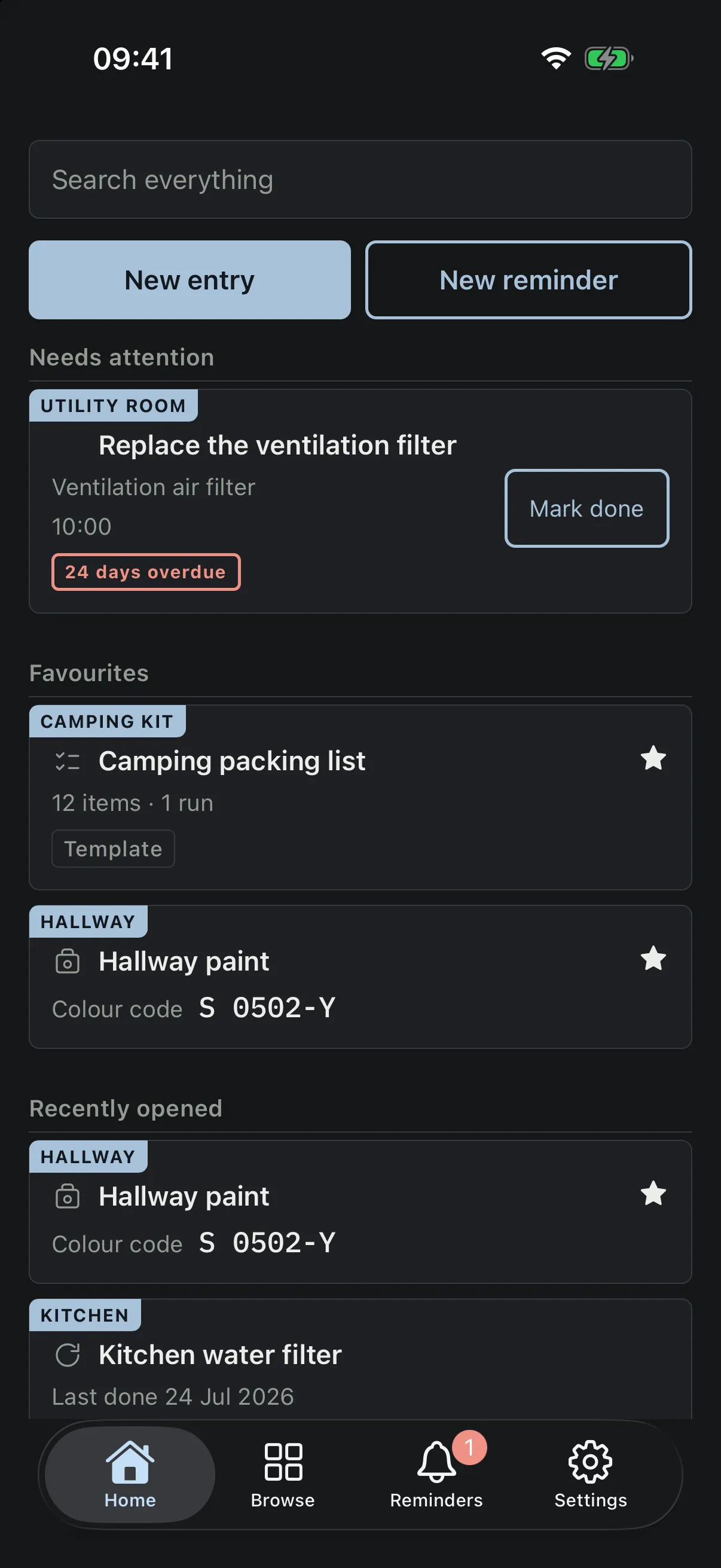
Trovva comes in two sets of colours. The whole page changes, screenshots and all.
One record
A paint code, a filter, a measurement and a box of outgrown clothes are the same kind of thing in Trovva: an entry. Each one holds fields, photos, a history of what has happened to it, and reminders. Starting points fill in the fields that usually matter — a paint entry knows it wants a colour code, a stored box knows it wants a shelf — and after that they are all just entries.
That is why the box below is not a separate feature. Things go inside other things, and the things inside are entries in their own right.
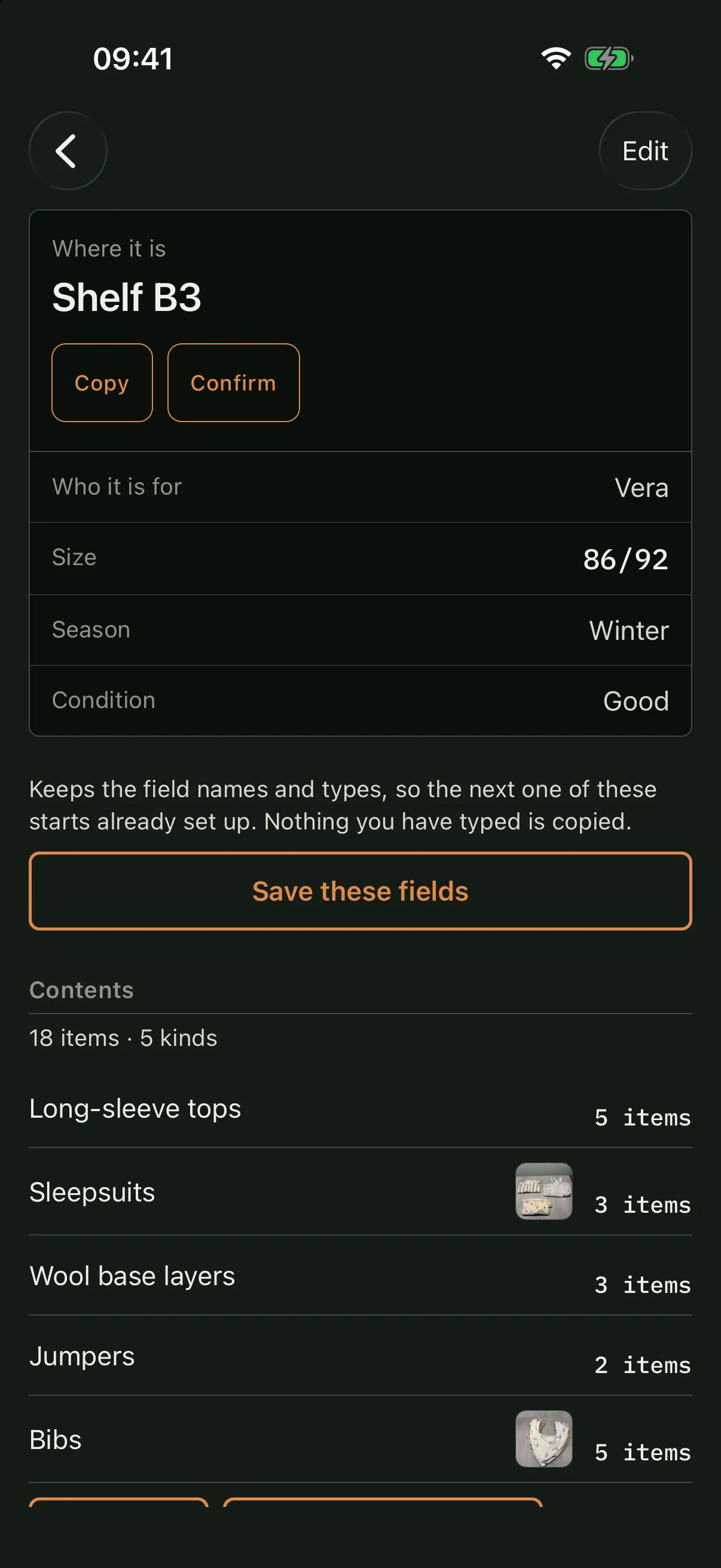
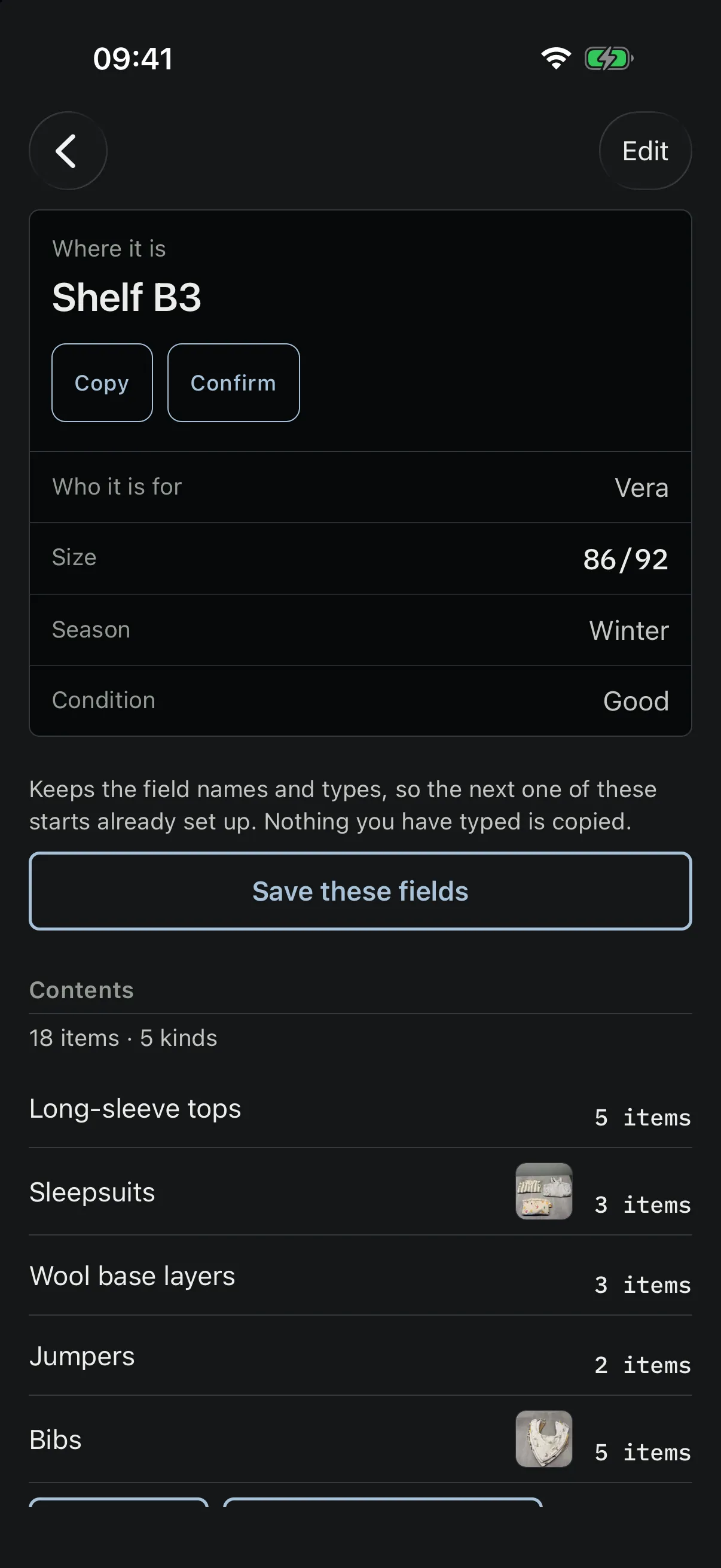
Vera’s winter clothes, in the basement, on shelf B3 — in size 86/92, put away at the end of last winter. It holds five kinds of thing, and the box itself carries no count: the contents count themselves.
In the box 18 items · 5 kinds
Two of the five kinds have photographs, because nobody photographs everything — and the box is not “in the basement” but on a named shelf, in size 86/92, with eighteen things listed inside it.
The sleepsuits are not a line of text on the box. They are an entry: their own photo, their own count, a note that two of the three are the thicker winter weight, and a reminder to check the box before autumn. You can find them without knowing the box exists.
Finding things
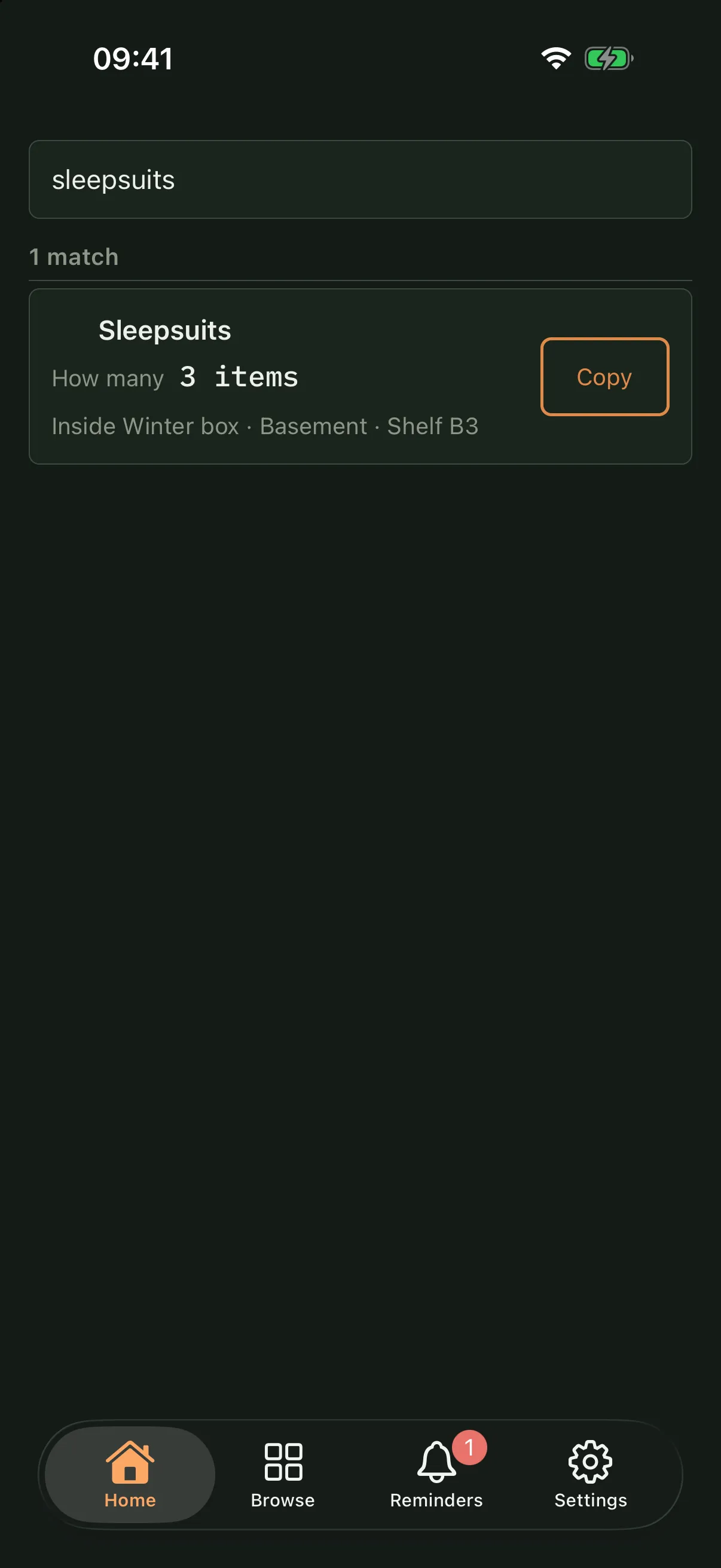
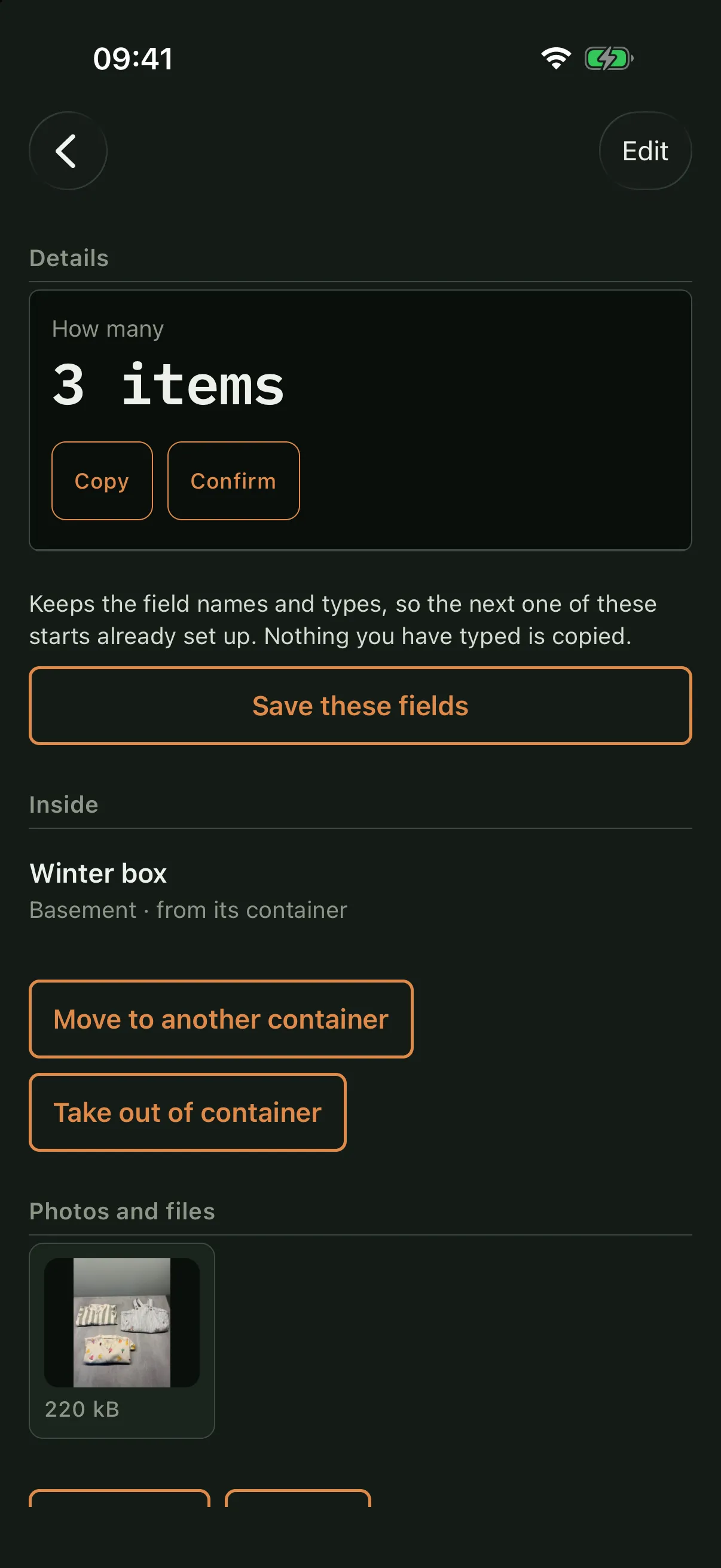
Searching for the sleepsuits finds the sleepsuits. What makes it useful is what comes with it — how many there are, which box they are in, which room that box is in, and which shelf.
How many 3 items
Inside Winter box · Basement · Shelf B3
The 3 is how many sleepsuits there are, not how many things are in the box. Walk to the basement, find shelf B3, open that box.
The box is called Winter box, and Vera’s winter clothes are what is in it — her name is a field on the box, alongside the size and the season.
This is the difference between knowing you wrote something down and being able to act on it. A record that tells you a thing exists but not where it is has done half a job.
Upkeep
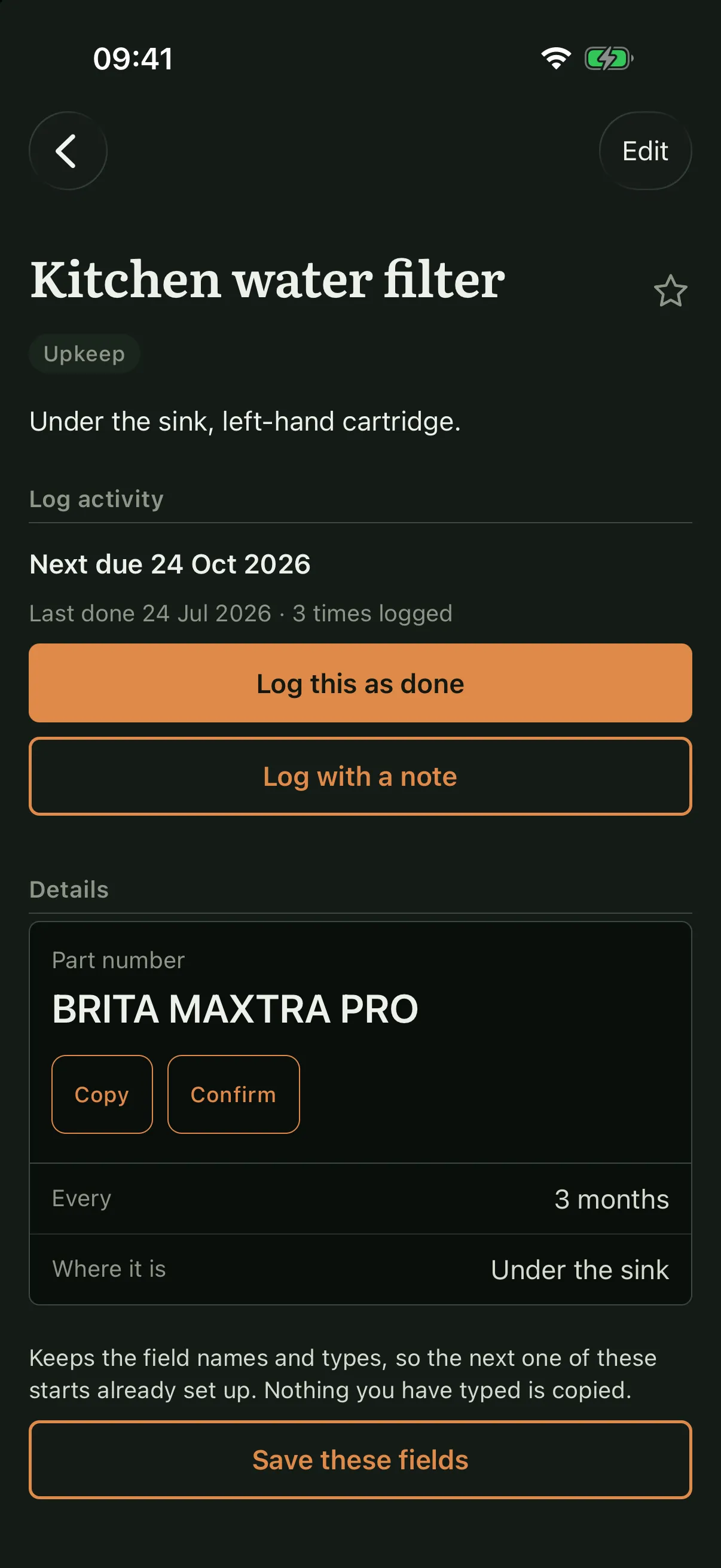
A reminder in Trovva belongs to an entry, so when it arrives you are already looking at the part number, where the thing is, and every time it has been done before.
Under the sink, left-hand cartridge, BRITA MAXTRA PRO. Three changes are logged against it, and the next one counts from the last change rather than from the calendar.
A repeat can count from the calendar or from the last time you actually did it. The distinction matters more than it sounds: a filter changed three weeks late should push the next change three weeks out, while a chimney sweep booked for a date should stay on that date.
Alerts are local to the phone. Nothing is sent over a network to produce them, and if you would rather not have them at all, the dates keep working inside the app.
Your phone
Trovva has no server to talk to. Your records are kept on the phone, and Trovva sends them nowhere unless you share a household — which is off until you turn it on, and goes through your own iCloud rather than through us — or you send a copy yourself.
No account, no password, no email address. Open the app and your records are there — including in a basement with no reception. Sharing, if you ever want it, uses the iCloud account your phone already has.
There is no service of ours behind the app, so there is nothing of ours to switch off. Sharing, if you turn it on, goes through your own iCloud. What you have saved does not depend on anything of ours continuing to run.
Export a backup whenever you like and keep it wherever you keep things. Trovva copies nothing off the phone unless you send it. The file holds your records as readable JSON, with the photos and files on the phone alongside them.
No. There is nothing to sign up for and nothing to sign into. Trovva opens straight into your own records.
One-time purchase. No subscription.
Yes. Everything you save is stored on the phone itself, so a basement with no reception is the same as anywhere else.
Only if you share a household, and that is off until you turn it on. Share one and its records reach the phones of the people you add by Apple ID, kept in step through your own iCloud rather than through us — updating when you open Trovva rather than in the background. With sharing off, each phone keeps its own records and Trovva sends nothing anywhere.
You can export a backup at any time: Trovva writes a file and hands it to the share sheet, and where you keep it is up to you. Trovva copies nothing off the phone unless you do that. The file holds your records as readable JSON, with the photos and files on the phone alongside them in an ordinary zip you can open with anything. If your iPhone backs up to iCloud, that backup includes Trovva too; it is Apple’s, and follows your phone’s settings.
Yes. Trovva is in English and Swedish, and starts in whichever one your phone is set to. If you would rather it spoke the other, Settings has a Language row.
No. Reminders exist, but they attach to a thing you have saved — the boiler, the filter, the box — rather than living in a separate list of tasks. If nothing is worth keeping a record of, there is nothing to remind you about.